

Portfolio website builder
A portfolio that opens with your work, on your own domain.
The portfolio kind of site starts with Home, Work, About and Contact in the theme you choose. Galleries from a masonry grid to a media wall, a contact form that becomes a contact, bookings if you sell your time, and a blog if you write.
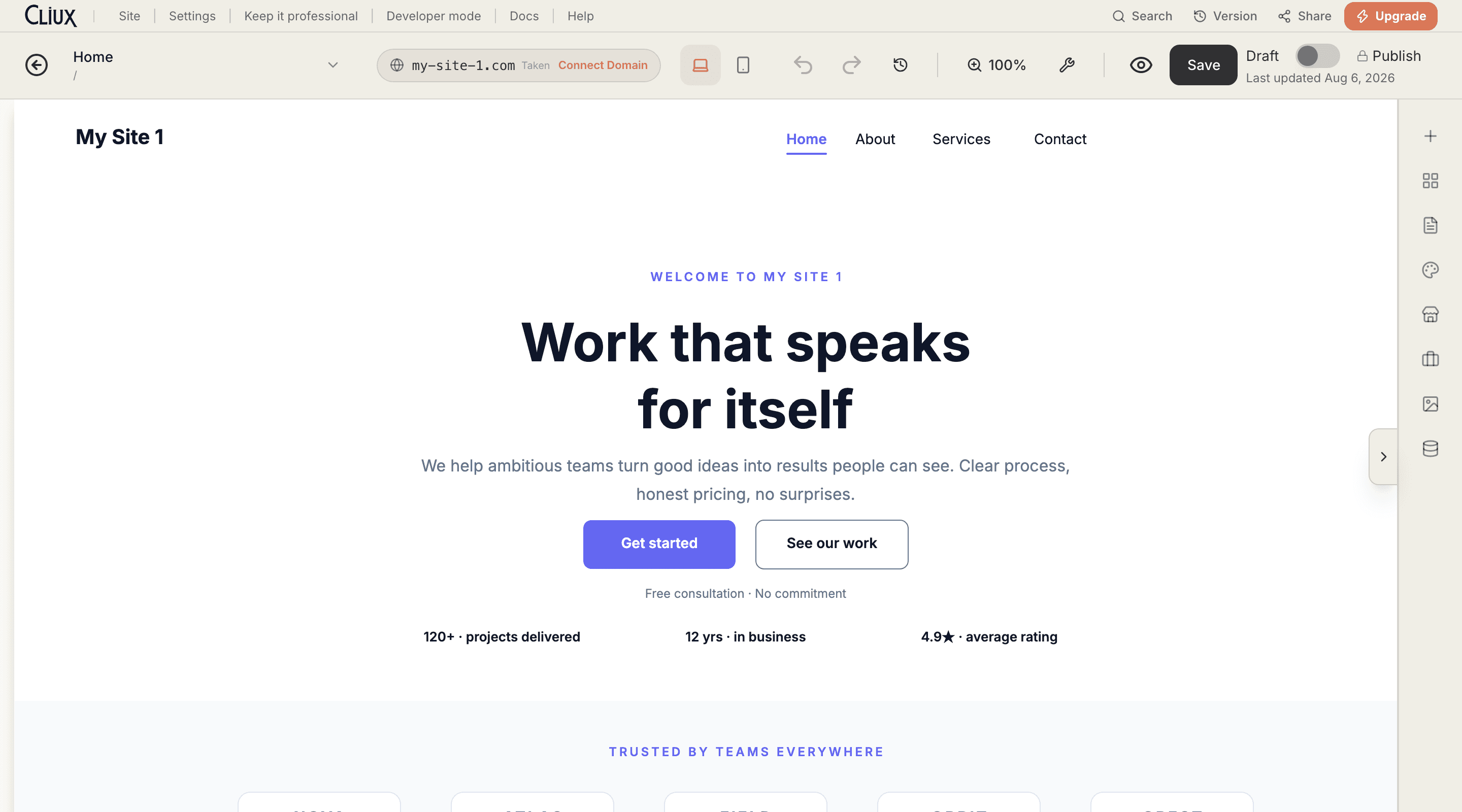
Start from a real page
Three portfolio starting points, rendered live.
A portfolio starts with 4 pages: Home, Work, About and Contact. Hover a card to scroll it; open one to walk the whole site on desktop or a phone.
- Design themes
- 11
- Starting points, rendered live
- 88
- Gallery layouts, from a masonry grid to a media wall
- 21
Counted in the product, not estimated.
What you get
Six things this page can promise, because the product does them.
Galleries in every layout
Grids, a masonry grid, a justified grid, sliders, a carousel, lightboxes and a before-and-after: each a drag onto the canvas.
A Work page from the first minute
The portfolio kind opens with Home, Work, About and Contact composed in your theme; add a page per project when you want one.
A theme, not a recolour
Each of the eleven themes brings its own hero, header, rhythm and type; switch in the editor and the pages follow.
An enquiry becomes a contact
The contact form on the site lands in your inbox and, if you switch it on, in your CRM with the page it came from.
Bookings, if you sell your time
Switch on the Bookings app and a Bookings page joins the site: services, availability, payment in full or a deposit through your Stripe account.
Your name as the address
Connect the domain you own; the certificate is issued for you and the portfolio lives at your name.
Frequently asked questions
Have other questions?Use the contact form
Yes. A project is a page like any other: add one per project, put a gallery and text on it, and link it from the Work page.
Yes, alongside justified grids, sliders, a carousel, lightboxes and a before-and-after; every gallery layout is a drag onto the canvas.
Yes, with the Bookings app: a service, your hours, and payment in full, a deposit or free, through your own Stripe account.
Yes. The editor's Theme panel lists the same eleven themes and re-applies one in a tap; your pages and galleries stay where you put them.
Get started
Build it for free. Publish when it is ready.
Building and previewing costs nothing. Publishing with your own domain is $9 a month on a personal site, and the agency Starter plan publishes 2 client sites for free.