

Contacts, deals, chat
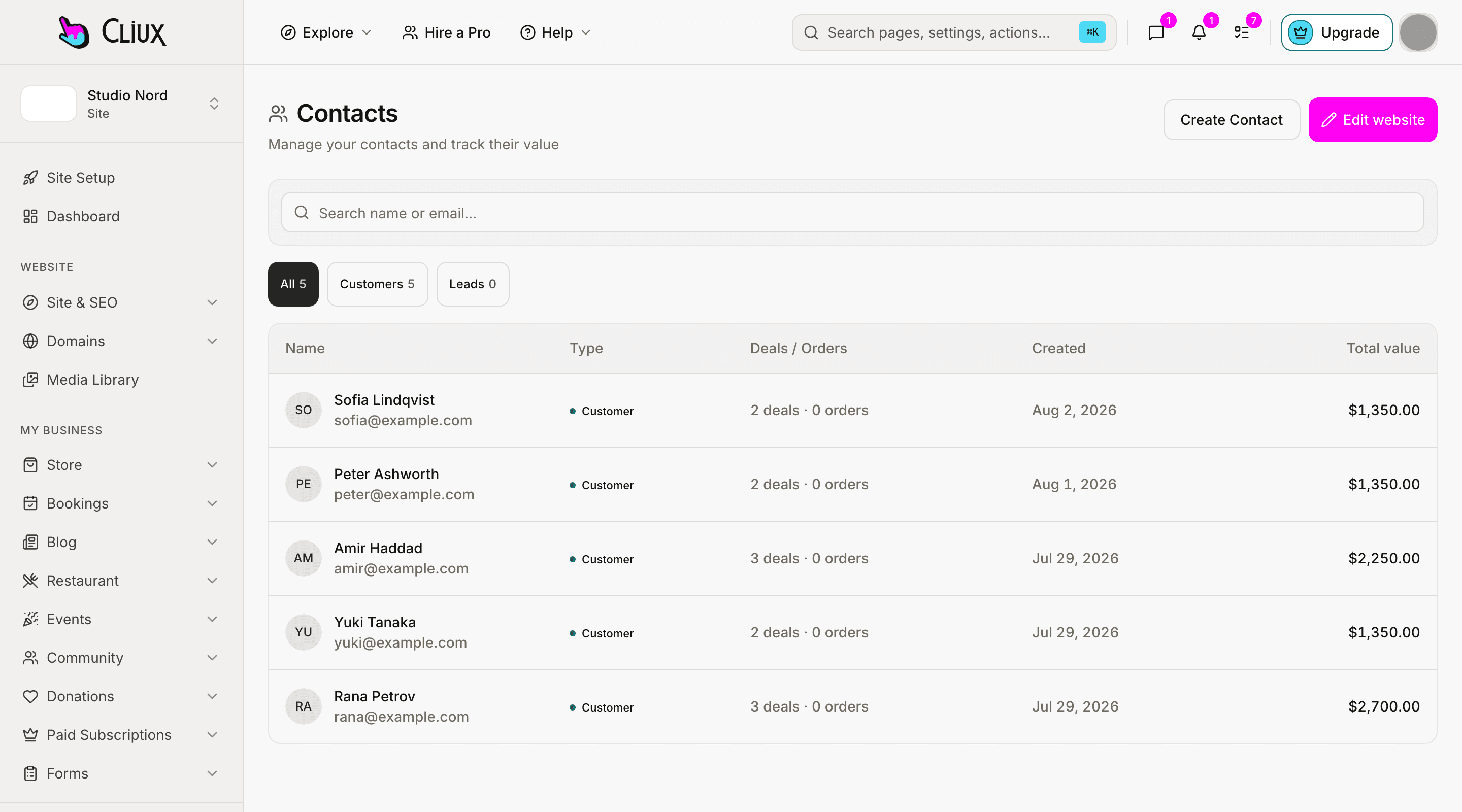
Everyone who wrote in or bought, in one list.
Contacts that fill themselves from your forms, a pipeline board for deals, and a live chat inbox for the visitors on your site right now. No import, no sync: it is the same site.
Deals
A board for the work that is not closed yet.
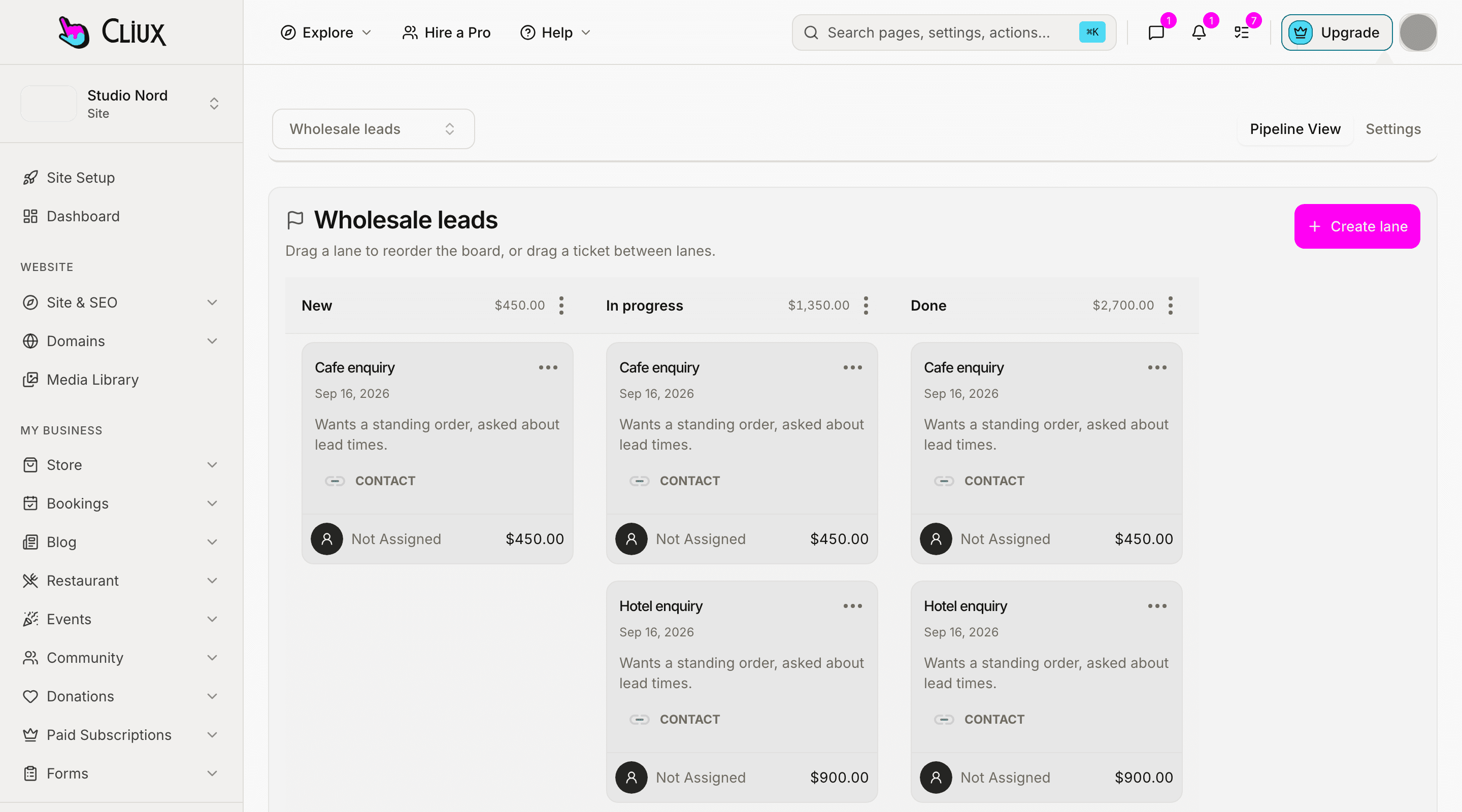
Pipelines with the lanes you name. A ticket carries a value, a description, an assignee and tags, and it links to the contact it is about. Drag it across lanes as the deal moves; the contact page lists that contact's deals with a lifetime value added up from them.
Pipelines and lanes
As many boards as you have processes; lanes in the order you work them.
Value, owner, tags
A number, a person and labels on every ticket.
Lifetime value from deals
The values of a contact's deals, added up; nothing is estimated.
Live chat
Answer the visitor while they are still on the page.
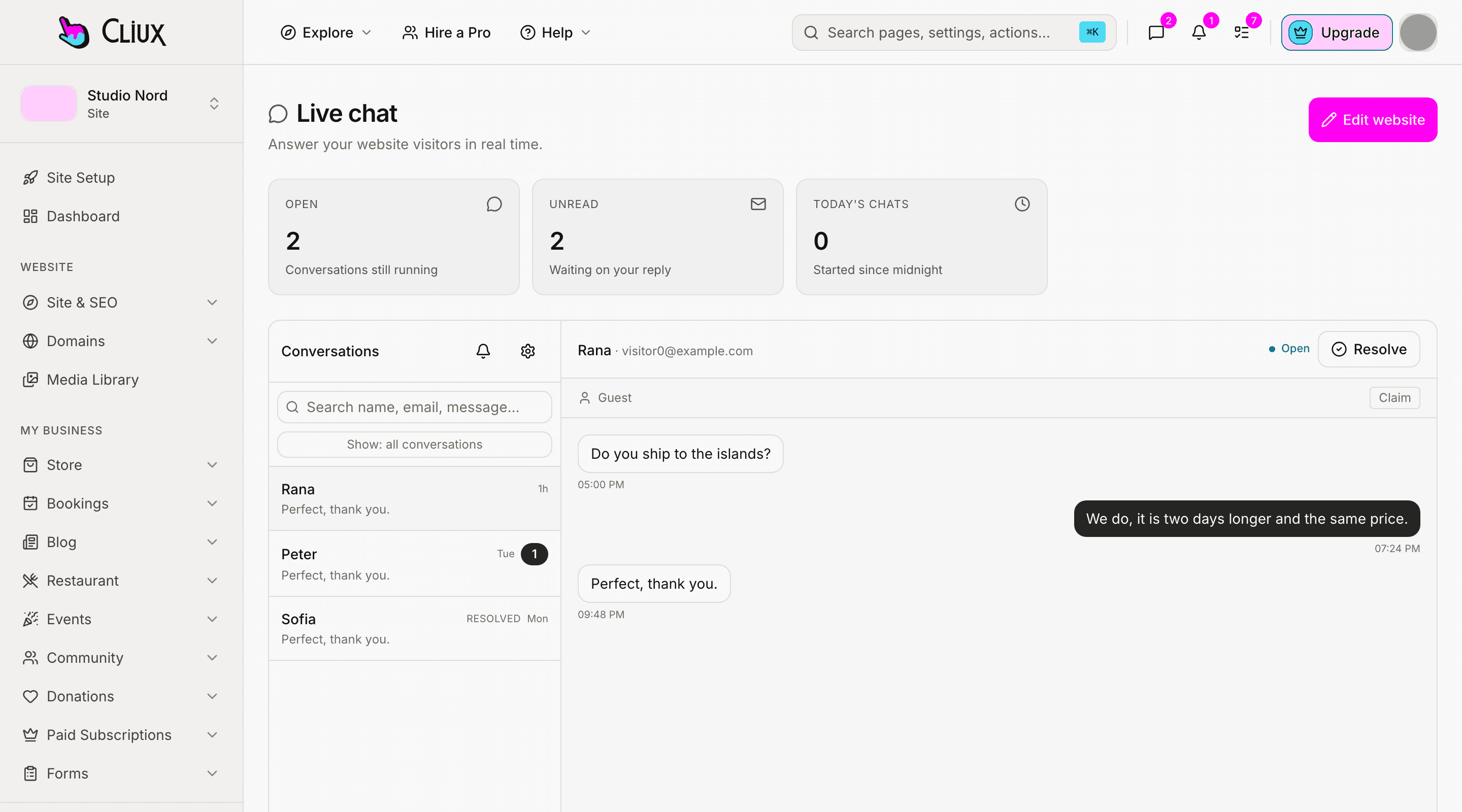
A chat widget on your site and an inbox in your dashboard. Each conversation shows the visitor's name and email when they give it, the page they are on, where they came from and their device. Assign it, reply with a canned response by typing a slash, attach a file, and set business hours with an away message for when nobody is there.
One inbox, assignable
Conversations with unread counts, an assignee and a resolve button.
Canned responses
Saved replies with a slash shortcut, for the questions you answer every day.
Business hours
A weekly schedule and an away message outside it.
Capabilities
What you get
Every capability below is on every plan; building is free and publishing is the plan.
Contacts
Name, email, phone, source, linked deals, and a lifetime value.
Filled by forms
A form with "create contact" on adds every sender, with the form as the source.
Pipeline boards
Lanes and tickets with value, assignee, tags and a linked contact.
Live chat inbox
Visitor context, assignment, attachments, canned responses, business hours.
Added by hand too
A contact you met elsewhere goes in from the contacts screen in a few fields.
Tags
Labels per site, on tickets, to slice the board.
Go deeper
More on CRM
Frequently asked questions
Have other questions?Use the contact form
Contacts are created by your own site: form submissions with "create contact" on. There is no CSV import today; a contact can also be added by hand.
Yes. New messages reach the inbox over a server stream while it is open, and the visitor sees your reply in the widget on the page.
No. The inbox is the chat on your website. Email you send from your own mail client; social inboxes are not connected.
The contact page lists the contact's deals and their total. Store orders are not linked to contacts today; they live on the store's orders board.
The dashboard works in a phone browser; there is no native app.
Get started
Try CRM for free.
Building and previewing costs nothing. Publishing with your own domain is $9 a month on a personal site, and the agency Starter plan publishes 2 client sites for free.