

People
A plain list of the people who wrote to you.
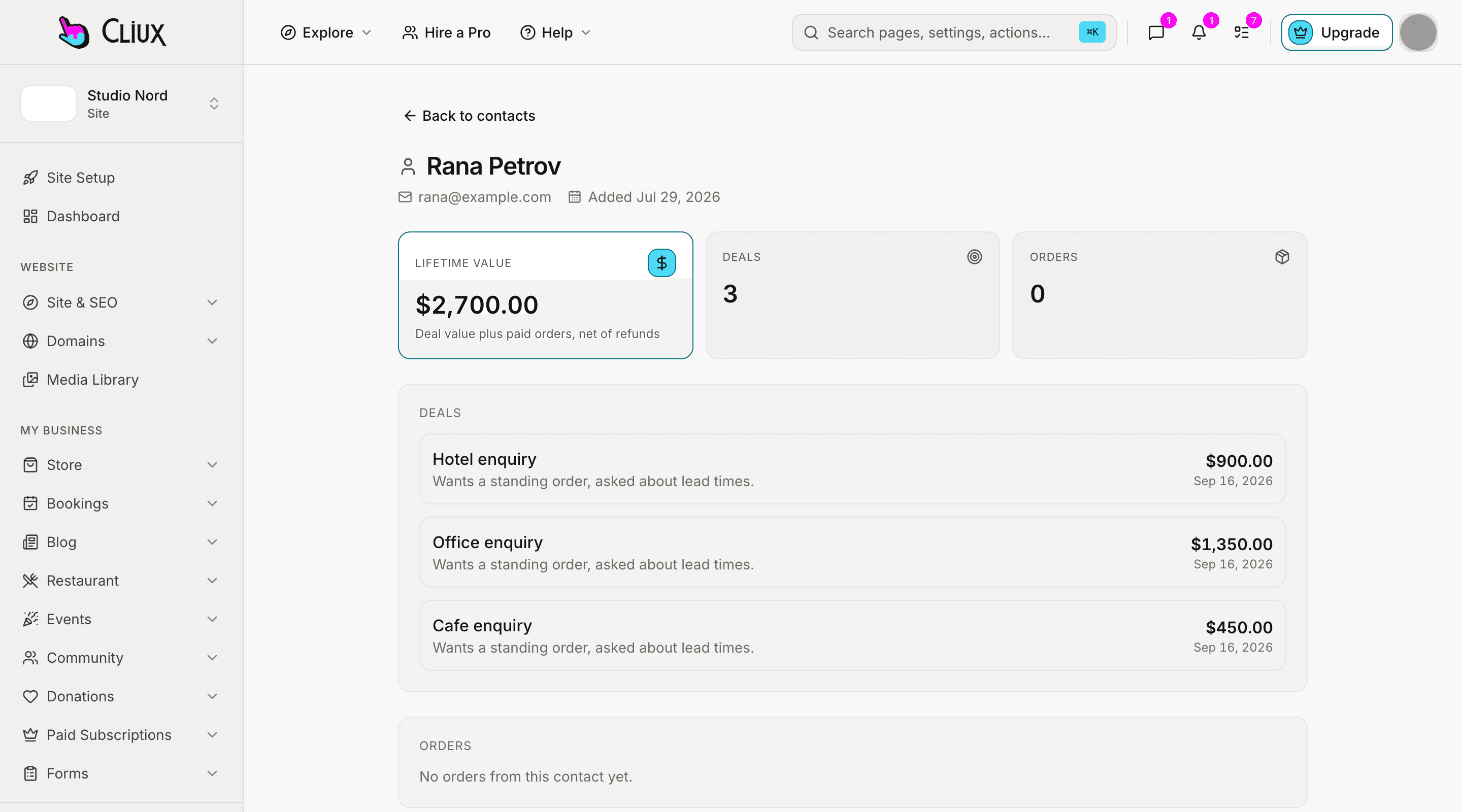
Name, email, phone and where they came from. Contacts arrive from your forms or are added by hand, and each has a page with its deals and a lifetime value added up from them.
Capabilities
What you get
Four fields
Name, email, phone and source. Nothing to configure before the first contact arrives.
From your forms
A form with "create contact" on adds every sender, deduplicated by email, with the form as the source.
Or by hand
Name and email, from the contacts screen; the same form updates an existing address.
A list you can search
Search by name or email; filter to customers or leads; the view stays in the URL.
Lifetime value
A contact's deals added up on their page, beside the list of them.
Linked from the board
Attach a contact to a deal on the pipeline and it shows on the contact's page.
Part of
CRM
Frequently asked questions
Have other questions?Use the contact form
Not today. Contacts come from your forms or are typed in one by one.
No. A contact is name, email, phone and source; tags live on deals.
Not yet. Orders live on the store's orders board; the contact page lists deals.
Not from the console today. Use the contact form to correct a record.
There is no limit in the plan. The list screen shows the most recent five hundred and says so when there are more.
Get started
Try CRM for free.
Building and previewing costs nothing. Publishing with your own domain is $9 a month on a personal site, and the agency Starter plan publishes 2 client sites for free.