

Appointments
Services, staff and a calendar, on your own site.
Define a service, set who does it and when, and take the booking on your page: free, paid in full or with a deposit, once or as a series, with intake questions and a confirmation the customer can manage.
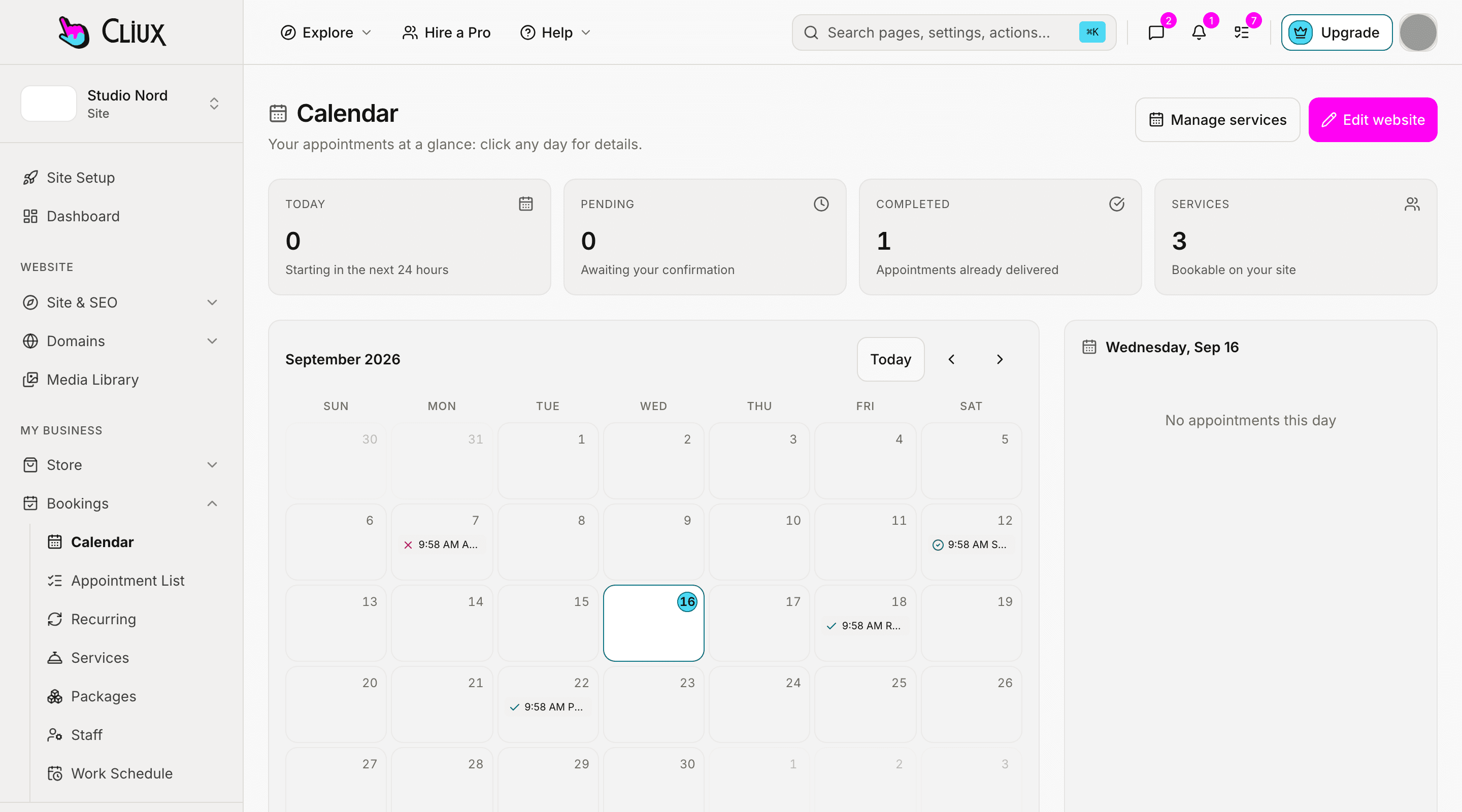
Services and staff
Each service knows its length, its price and its people.
Duration and buffers, price, group size, slot interval, minimum notice, how far ahead people may book, and whether a booking confirms itself or waits for you. Staff have their own weekly hours, blocked time and colour, and the slot engine respects every timezone involved.
Buffers, notice, horizon
Time before and after, a minimum notice, and a booking window in days.
Staff availability
Weekly hours per person, blocked time, and slots that follow them.
In person or online
A location or a meeting link, set per service.
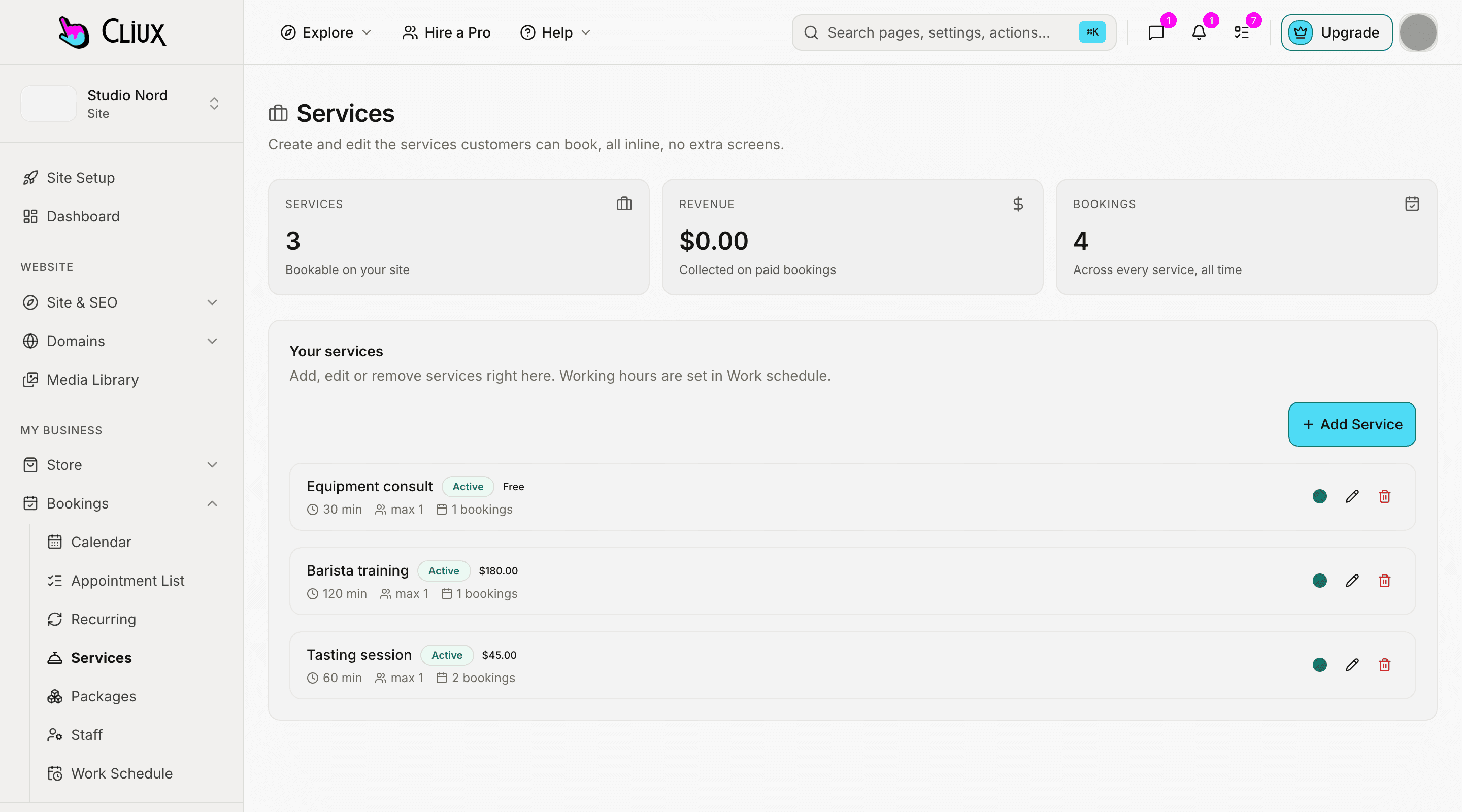
Paying and repeating
Free, paid, or a deposit. Once, weekly, or as a package.
Each service chooses a payment mode: free, the full price, or a deposit taken through Stripe. Sell a recurring series billed on a schedule, or a prepaid package of sessions redeemed one credit at a time. Confirmations carry a calendar file; a reminder goes out the day before; the customer can cancel or reschedule from a signed link within the window you set.
Series and packages
Weekly, every two weeks or monthly series; packages of credits with an expiry.
Intake questions
A per-service form, built with the same fields as your site forms, kept with the booking.
Confirmation, reminder, self-service
An .ics attachment, a reminder email, and a manage link for the customer.
- Payment modes: free, full, deposit
- 3
- Series rhythms: weekly, biweekly, monthly
- 3
- Appointment states
- 5
- Location types: in person, online
- 2
Counted in the product, not estimated.
Capabilities
What you get
Every capability below is on every plan; building is free and publishing is the plan.
Calendar and appointments
A calendar across staff, an appointment list, and a work-schedule screen.
Card payment by Stripe
Full price or a deposit, on your own Stripe account, with the refund window you set.
Recurring series
A standing appointment billed by Stripe on its rhythm.
Prepaid packages
Sell a bundle of sessions; each booking uses one credit.
Group sessions
A service with more than one seat fills up to its capacity.
Booking analytics
Bookings and revenue against the period before.
Go deeper
More on Bookings
Frequently asked questions
Have other questions?Use the contact form
Confirmations include an .ics file the customer and you can add to any calendar. Two-way sync with an external calendar is not part of the product today.
Yes. The confirmation email carries a signed link where they can cancel or reschedule within the window you set for the service; outside it, they contact you.
Set the service to deposit mode and the amount. The deposit is taken by card at booking through Stripe; the rest is settled with you in person or however you arrange it.
By email. A reminder goes to confirmed appointments the day before. SMS is not sent.
Yes. Assign staff to a service; each keeps their own weekly hours and blocked time, and the slots offered are the ones where someone assigned is free.
Get started
Try Bookings for free.
Building and previewing costs nothing. Publishing with your own domain is $9 a month on a personal site, and the agency Starter plan publishes 2 client sites for free.