

Forms and submissions
Build the form on the canvas. Read it in an inbox.
Fifteen field types with validation, file uploads, spam defence and an inbox with export. A submission can create a CRM contact, email you both and call a webhook, without an integration.
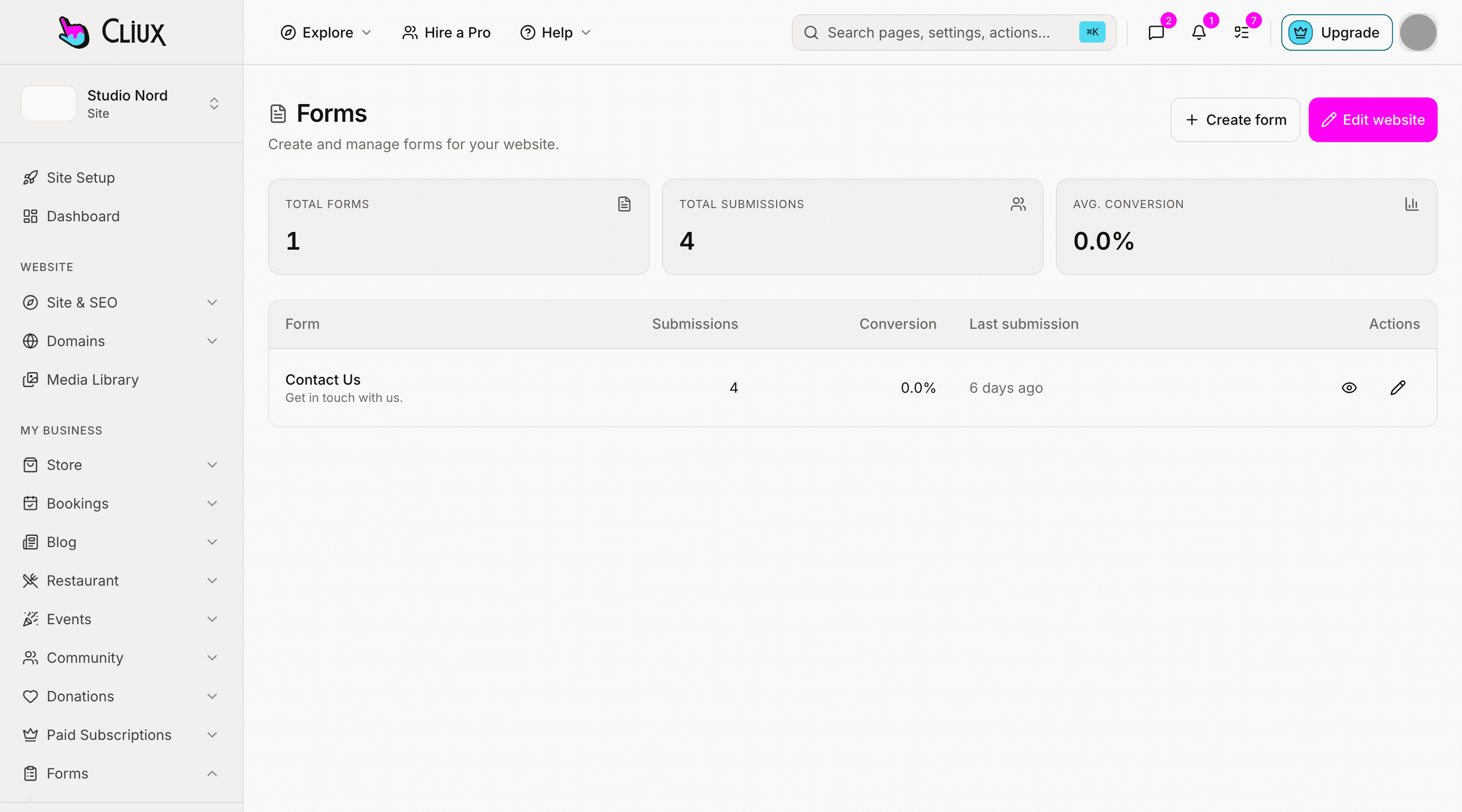
The inbox
Every submission, kept, searchable, exportable.
Submissions land in an inbox with read and unread, a spam toggle that keeps the message recoverable, bulk actions and CSV export. Set a retention period and old submissions are deleted for you.
Spam defence in layers
A honeypot, a rate limit and a score; add Cloudflare Turnstile when you want a challenge.
File uploads
Accept files up to 8 MB each, with an accept list per field.
Retention you set
Keep submissions for as long as your policy says, then they go.
After the submit
A submission becomes a contact, an email, a webhook call.
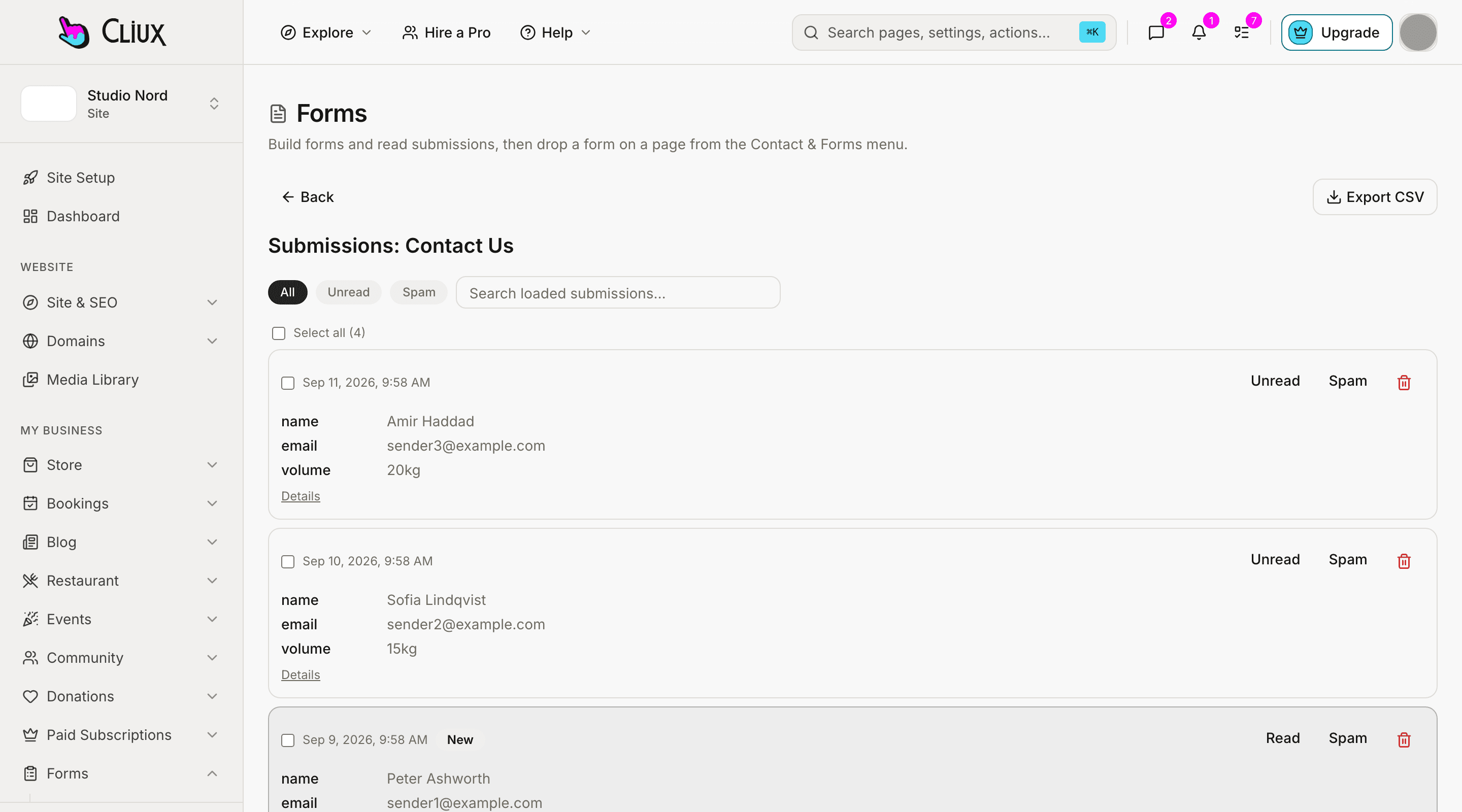
Turn on "create contact" and every submission is a person in your CRM. Send yourself a notification and the sender an autoresponder with a copy, redirect to a thank-you page, or post the payload to your own endpoint.
Straight into the CRM
Name, email and phone become a contact you can follow up.
Two emails per submit
A notification to you, an autoresponder with the summary to the sender.
Outbound webhook
Every submission posted to a URL you choose, with protection against internal targets.
- Field types
- 15
- Fields per form
- 40
- Options per choice field
- 30
- Per uploaded file
- 8 MB
Counted in the product, not estimated.
Capabilities
What you get
Every capability below is on every plan; building is free and publishing is the plan.
Fifteen field types
Text, email, phone, number, long text, select, radio, checkbox, checkbox group, date, time, rating, consent, file and hidden.
Validation per field
Required, min and max length, min and max value, a pattern, an accept list, a star count.
Success your way
A success message or a redirect URL, per form.
Embed anywhere
The submit endpoint accepts your form from an external site too.
The same fields in bookings
A booking intake form uses the same field engine, so a form you know how to build works there.
CSV export
Download the inbox as a CSV file.
Go deeper
More on Forms
Frequently asked questions
Have other questions?Use the contact form
Not yet. Forms are single-page, and fields are shown to everyone. Validation, uploads, spam defence and the after-submit actions are all in.
Three layers by default: a honeypot field, a rate limit and a heuristic score. A submission scored as spam is kept, marked, and can be restored with one click. Cloudflare Turnstile can be switched on per form.
To the platform's file storage, recorded against your site, up to 8 MB per file and only the types your accept list allows. They are linked from the submission in the inbox.
If you want one. Turn on the owner notification, and optionally an autoresponder that sends the sender a copy of what they submitted.
Yes, through the outbound webhook: each submission is posted as JSON to a URL you set. The webhook is the integration; there is no per-tool connector to configure.
A short one, yes: rating fields with the star count you choose, single and multiple choice, and long text make a feedback form, and the answers export as CSV. There is no branching, no survey template and no score dashboard.
Get started
Try Forms for free.
Building and previewing costs nothing. Publishing with your own domain is $9 a month on a personal site, and the agency Starter plan publishes 2 client sites for free.