

Forms that become contacts
A form on any page, or in a popup. Every sender becomes a contact.
Drop a contact or newsletter form on a page, or put it in a popup that opens on load, after a delay or on a click. Each submission can create a CRM contact with the page it came from, and email you both.
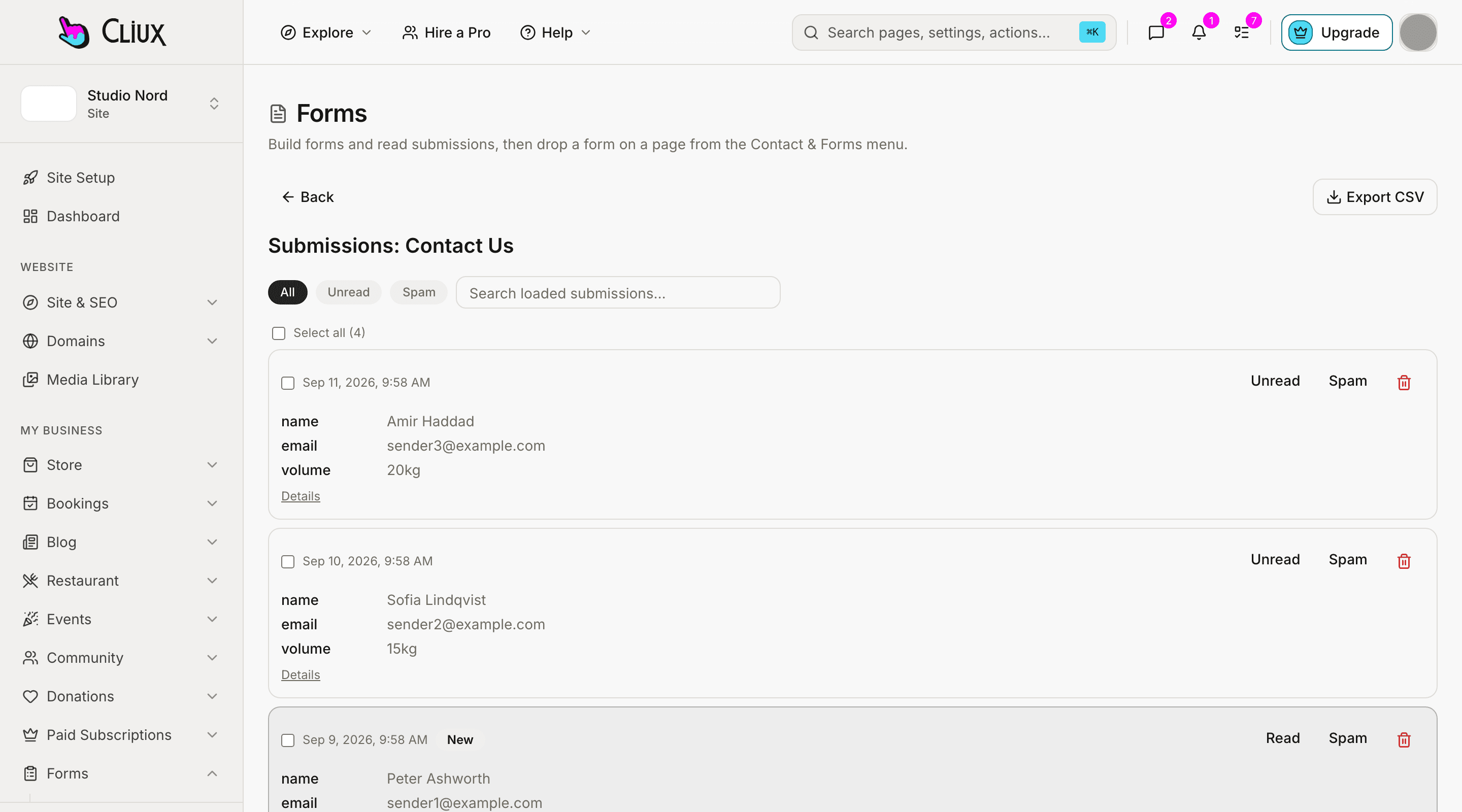
After the submit
From submission to contact, with its source.
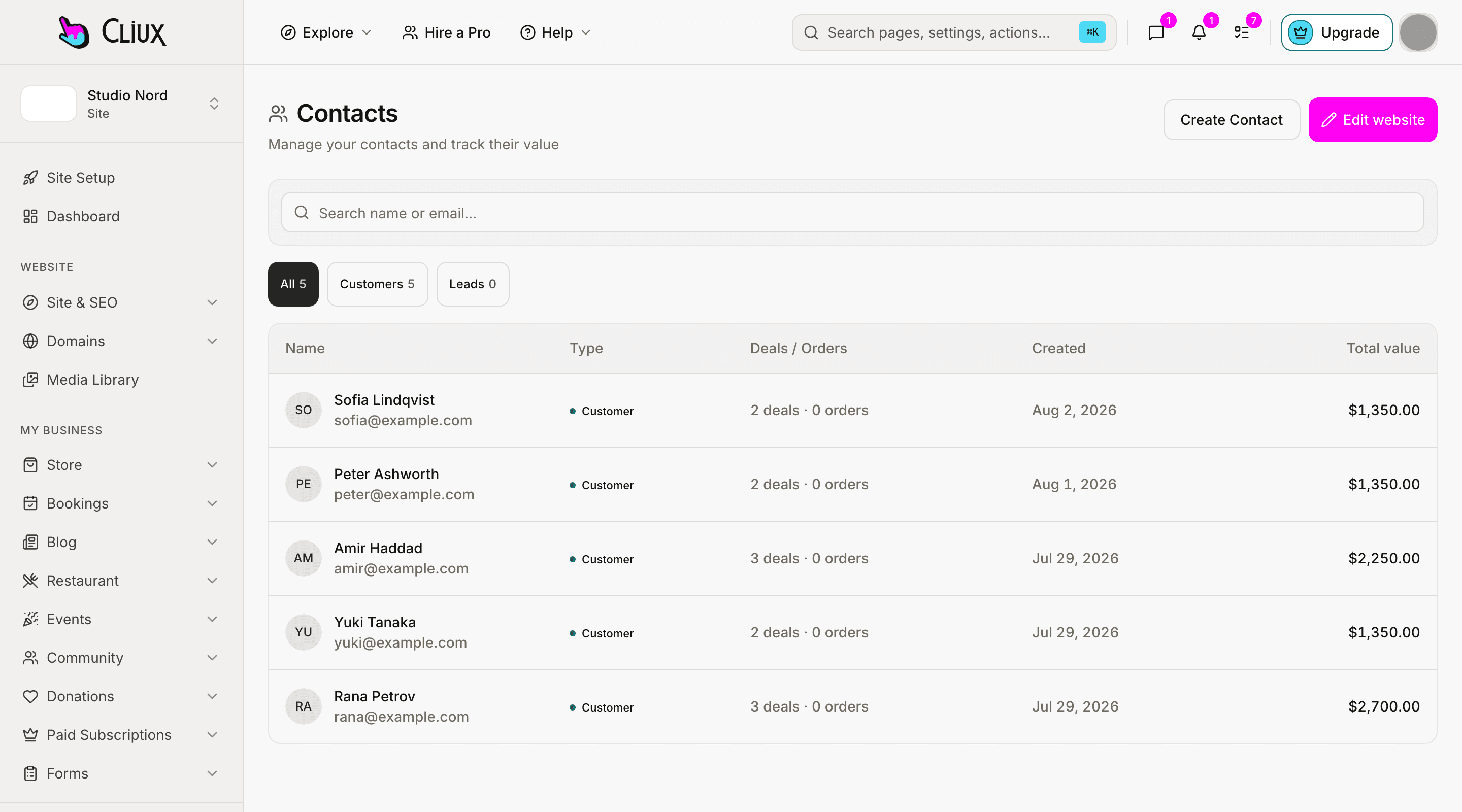
Turn on "create contact" and the sender becomes a person in your CRM, deduplicated by email, with the form's name as the source. The submission keeps the page URL and the referrer, the sender can get an autoresponder with a copy of what they wrote, and you get a notification.
A contact, once
Name, email and phone become a contact; a second submission from the same address updates it.
The page it came from
Every submission records the page URL and the referrer, in the inbox.
Two emails, if you want them
A notification to you and an autoresponder to the sender with the summary.
- Popup presets
- 5
- Popup triggers: click, on load, after a delay
- 3
- Field types
- 15
Counted in the product, not estimated.
Capabilities
What you get
Popups with a trigger
A centre modal, a newsletter box, a promo, a cookie notice or a slide-in; opened by a click, on load or after a delay you set.
Form presets on the canvas
A contact form and a newsletter form ready to drop, with hidden fields that carry a fixed value.
Straight into the CRM
Create a contact per sender with the form as the source; see them in the contacts list.
Out through a webhook
Each submission can be posted as JSON to a URL you set, which is how a lead reaches the tool you send from.
Spam kept out
A honeypot, a rate limit and a score on every form; Cloudflare Turnstile when you want a challenge.
A conversion rate per form
Views and submissions on the forms list, so you can see which form earns its place.
Part of
Forms
Frequently asked questions
Have other questions?Use the contact form
No. Popups open on a click, on page load or after a delay in seconds. Exit intent and scroll depth are not triggers today.
Not by rule. A popup shows to everyone on the page it is on; put different popups on different pages if you want different offers.
There is no experiment feature. Compare two forms by their conversion rates on the forms list.
Through the form's outbound webhook, which posts each submission as JSON to a URL you set, or through the CSV export. There is no built-in sync with a particular mailing tool.
Put the download link in the autoresponder. There is no attachment or drip sequence.
Get started
Try Forms for free.
Building and previewing costs nothing. Publishing with your own domain is $9 a month on a personal site, and the agency Starter plan publishes 2 client sites for free.