

Landing page builder
One page, one job, on a canvas that does what you say.
The landing kind of site opens as a single page in the theme you choose. Put a form on it and every signup becomes a contact with the page it came from; first-party analytics tell you which source sent the visitor.
Start from a real page
Three landing page starting points, rendered live.
A landing page starts as one page: Home. Hover a card to scroll it; open one to walk the whole site on desktop or a phone.
- Design themes
- 11
- Starting points, rendered live
- 88
- Popup triggers: click, on load, after a delay
- 3
Counted in the product, not estimated.
What you get
Six things this page can promise, because the product does them.
A single-page kind of site
Choose the landing kind in the wizard and the site opens as one long page, in any of the eleven themes, with nothing else to delete.
The fold is yours
Headline, proof and button sit exactly where you place them; the phone layout is derived and stays editable.
A signup becomes a contact
Turn on "create contact" and each submission is a person in your CRM, with the page it came from as its source.
Popups with a trigger
A form in a modal or a slide-in, opened by a click, on load or after a delay you set.
First-party analytics
Sessions, sources with their UTM tags, landing and exit pages and a realtime view, without a third-party script.
A conversion rate per form
Views and submissions on the forms list, so you can see which page earns its place.
Frequently asked questions
Have other questions?Use the contact form
No. There is no split-testing engine. Build two pages, send each its own UTM-tagged link, and compare their form conversion rates.
Yes. A site publishes on a domain you own, so a campaign that needs its own domain is its own site; on an agency plan several sit under one console.
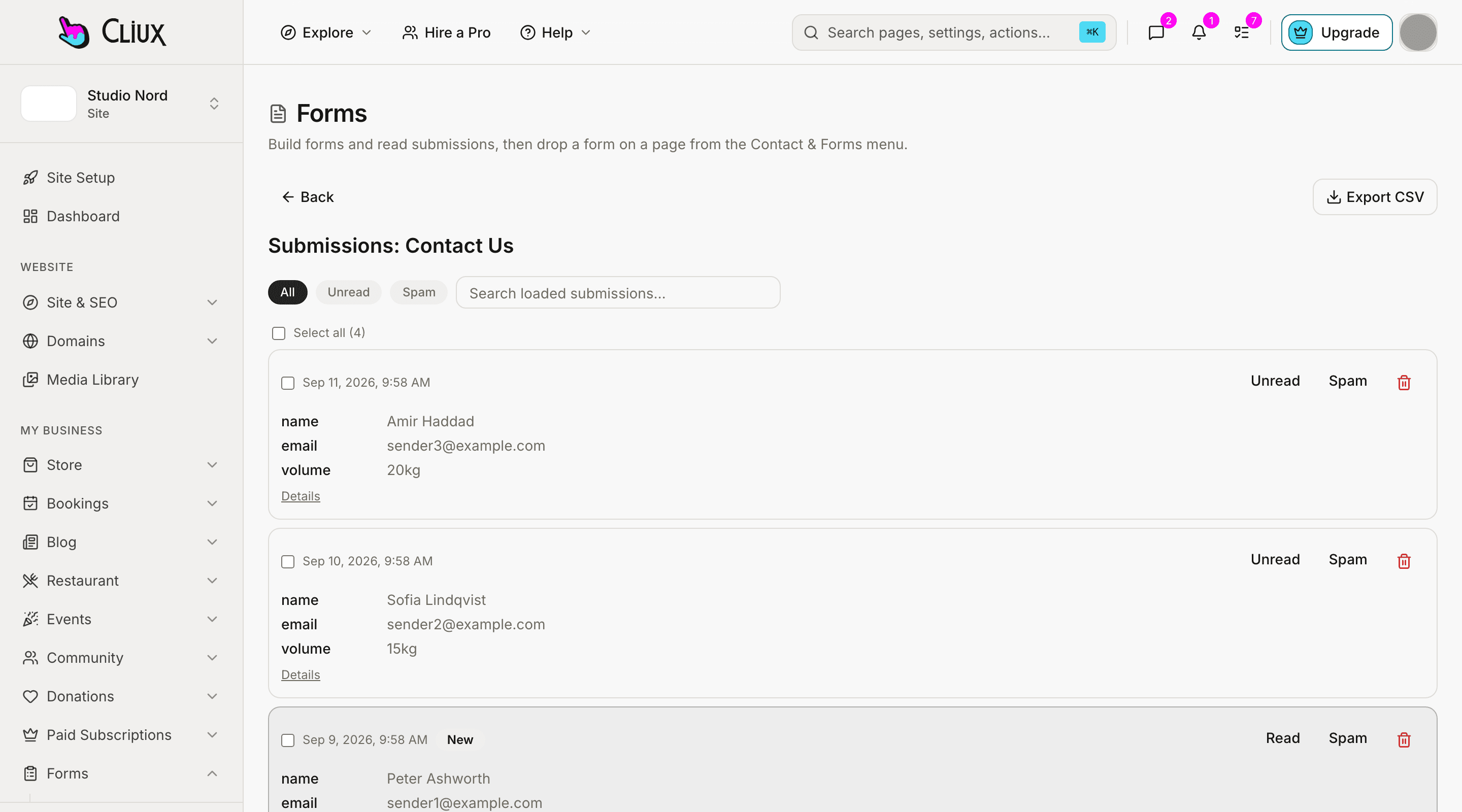
Into the forms inbox and, if you switch it on, into your CRM as contacts. A webhook can post each submission as JSON to a URL you set, and the inbox exports CSV.
It can send the sender one autoresponder with a copy of what they wrote, and notify you. There are no sequences and no campaigns.
Get started
Build it for free. Publish when it is ready.
Building and previewing costs nothing. Publishing with your own domain is $9 a month on a personal site, and the agency Starter plan publishes 2 client sites for free.