

Storefront checkout
One panel, every figure priced on the server.
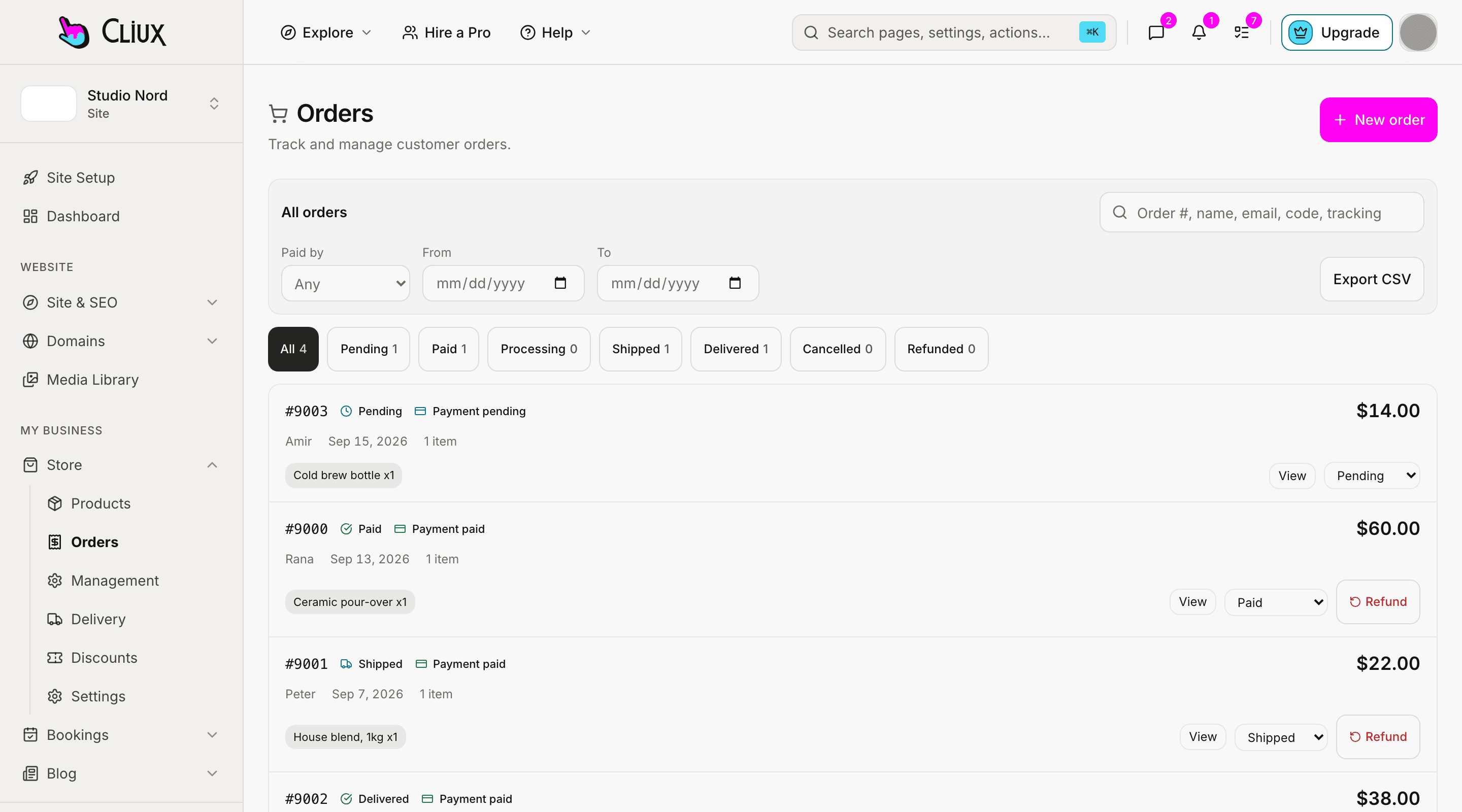
The buyer sees their lines, a discount code, a delivery option, an address and a payment choice in one panel. Stock is held while they pay by card through Stripe or by bank transfer, and a guest gets a signed order page from the email.
Discounts and delivery
One code per order, one delivery price per zone.
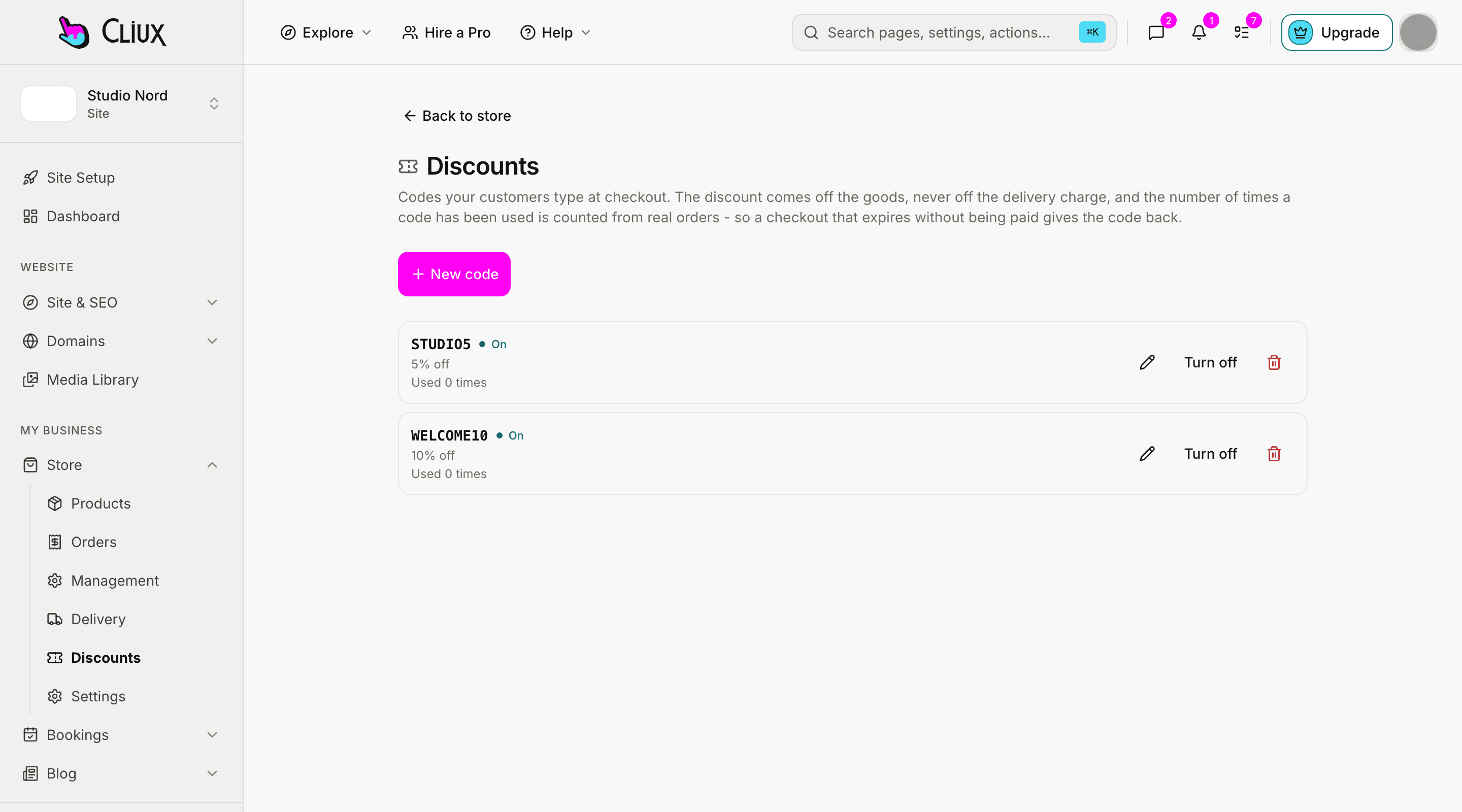
A discount code is a percentage or a fixed amount off the goods, with a minimum order, a cap, usage limits for everyone and per customer, and a start and end date. Delivery is priced by zone: countries grouped, methods with a price, order-value bands and estimated days, chosen in the panel.
Codes with rules
Percent or fixed, minimums, caps, usage limits, dates; applied to goods, never to delivery.
Zones and methods
Country groups with priced methods, min and max order bands and estimated days.
A guest order page
A signed link in the email opens status, tracking and downloads, with no account to make.
- Ways to pay: card, bank transfer
- 2
- Stock held while a card is paid
- 30 min
- Stock held for a bank transfer
- 72 h
Counted in the product, not estimated.
Capabilities
What you get
Card by Stripe, on your account
An embedded Stripe Checkout, direct to your own Stripe account; card details never touch Cliux.
Bank transfer with your instructions
Show your own payment instructions at checkout and in the email; mark the order paid when the money lands.
Stock held, then released once
Units are claimed when the order is placed and given back when a hold expires or an order is cancelled or refunded, never twice.
Priced by the server
Every total is recomputed on the server; a price change or a shortage is reported per line before the buyer pays.
Guest by default
Email plus an optional name. Turn on the terms checkbox when your policy needs it.
Emails at every step
Payment instructions, paid, shipped, delivered, cancelled and refunded, to the buyer; a new-order nudge to you.
Part of
Ecommerce
Frequently asked questions
Have other questions?Use the contact form
Cards through Stripe Checkout on your own Stripe account, and bank transfer with instructions you write. Both are switches in the store settings; card needs a connected Stripe account.
Stock is claimed when an order is placed, in one statement, so the second buyer is told the line is out of stock before paying. A card hold that is not paid releases its units after thirty minutes; a bank transfer after seventy-two hours.
One code per order, applied to the goods. Delivery is priced separately by zone and never discounted by a code.
Checkout is for guests: an email and, if they like, a name. The order page is reached from a signed link in the email, with status, tracking and downloads.
No. You pay your plan; Stripe charges its card fee on card payments. Bank transfers cost nothing extra.
Get started
Try Ecommerce for free.
Building and previewing costs nothing. Publishing with your own domain is $9 a month on a personal site, and the agency Starter plan publishes 2 client sites for free.