

On the table
A QR code on the table, a menu that is never out of date.
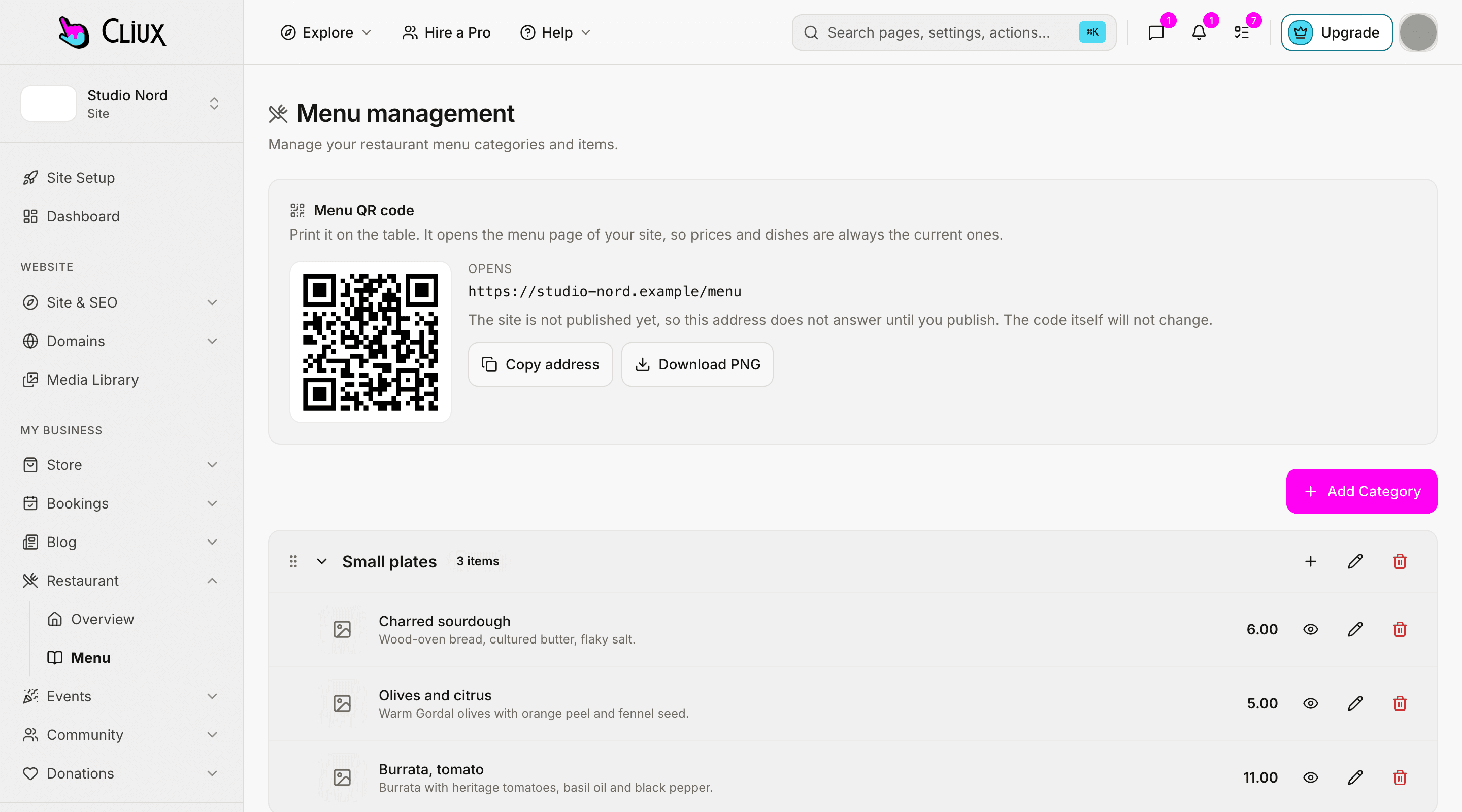
The menu screen draws the QR code for your menu page; print it and put it on the table. Change a price, take a dish off or add one, and the page a guest opens is already right. The same page takes their order.
Capabilities
What you get
The code, made for you
A QR code for your menu page on the menu screen, with the address, a copy button and a print-size PNG to download.
Your own address
It opens the menu on your site's domain, under your name, in the guest's browser; nothing to install.
Always current
Prices, dishes and availability come from the menu at the moment the guest opens it; no reprint, no republish.
What a dish shows
Name, description, photo, price, an allergen line and its option groups.
Take a dish off with one switch
Mark it unavailable and it leaves the page until you bring it back; options can be sold out on their own.
The same page orders
When ordering is on, the menu the guest reads is the one with the basket in it.
Part of
Restaurant
Frequently asked questions
Have other questions?Use the contact form
On the menu screen in your dashboard: it is drawn for your site's menu address, with a copy button and a PNG large enough to print.
No. The code opens a page in the phone's browser.
One code for the menu. There are no table numbers, so an order placed from it is a collection order, not a table order.
No. The menu is shown in the language you wrote it in.
Print the QR code and let the page do the rest; there is no PDF version of the menu today.
Get started
Try Restaurant for free.
Building and previewing costs nothing. Publishing with your own domain is $9 a month on a personal site, and the agency Starter plan publishes 2 client sites for free.